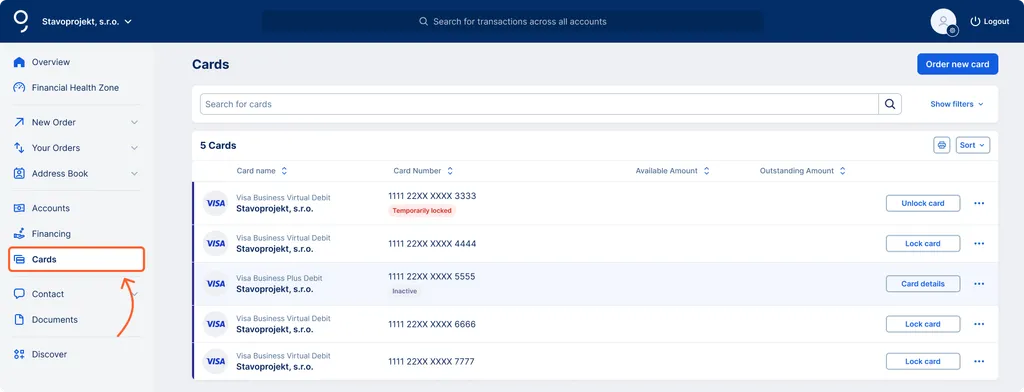
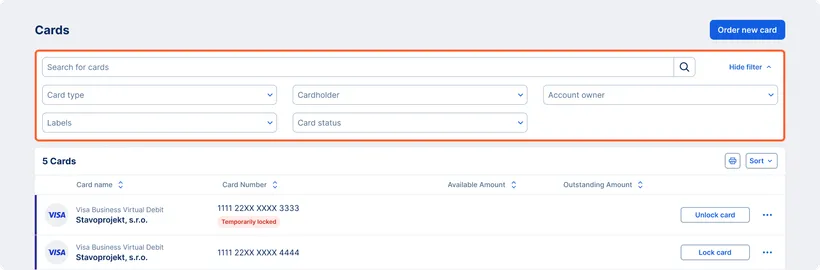
You can access your card overview in several ways:
- Via the Cards section on the main dashboard, if you have it enabled. You can choose to display all your cards here or just selected ones. In the header of the section, the “Show all” option opens a dropdown menu with the item “Cards.” Clicking this item takes you to an overview where you can see all your cards.
- Via the main menu by clicking on the “Cards” item.
- Using the Feature Assistant. Enter “Cards” into the search bar in the George Business header.